Table View
See every card on your board as a row in a table, and edit, sort and filter them in place.
For teams that plan in Trello but think in spreadsheets.
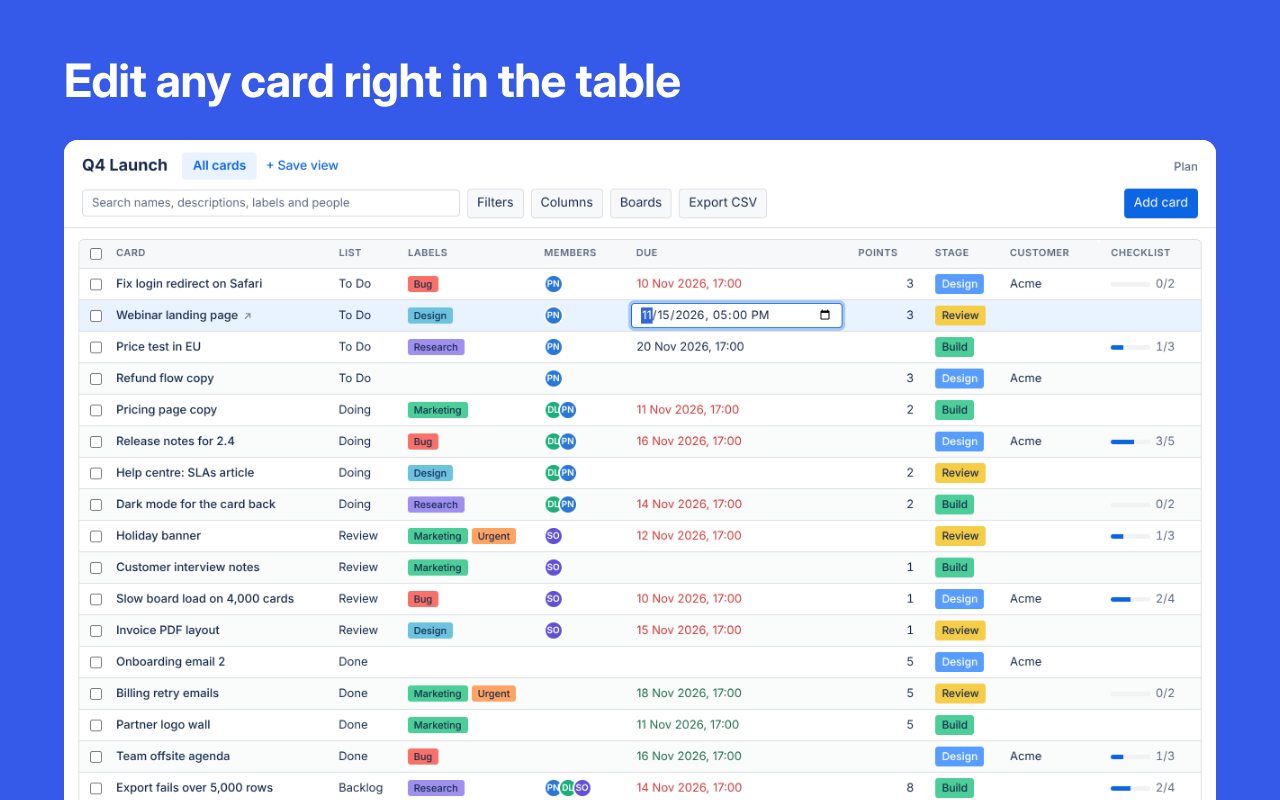
Edit cards in the table
Click a cell to change a card's name, list, labels, members, dates or custom fields.
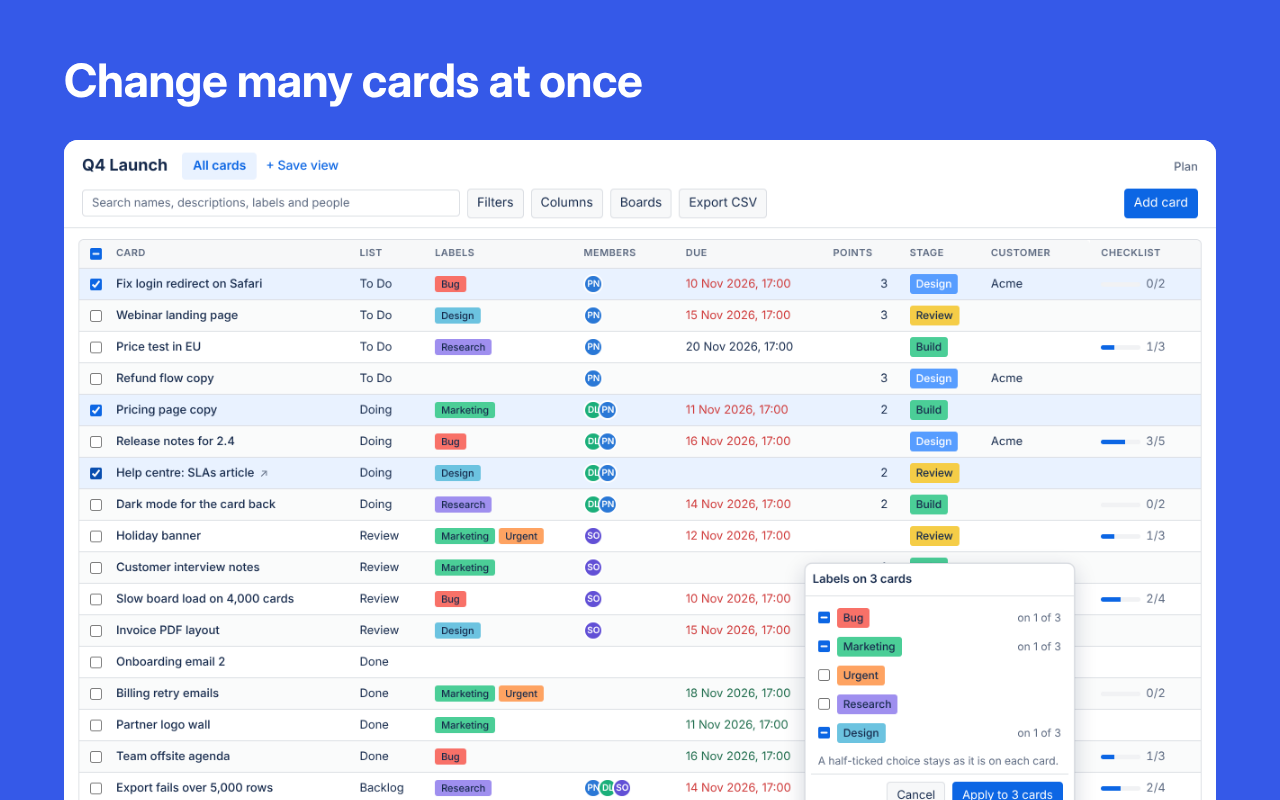
Bulk changes with Undo
Tick cards to set labels, members, lists or dates on all of them, or move, copy, archive or delete them together.
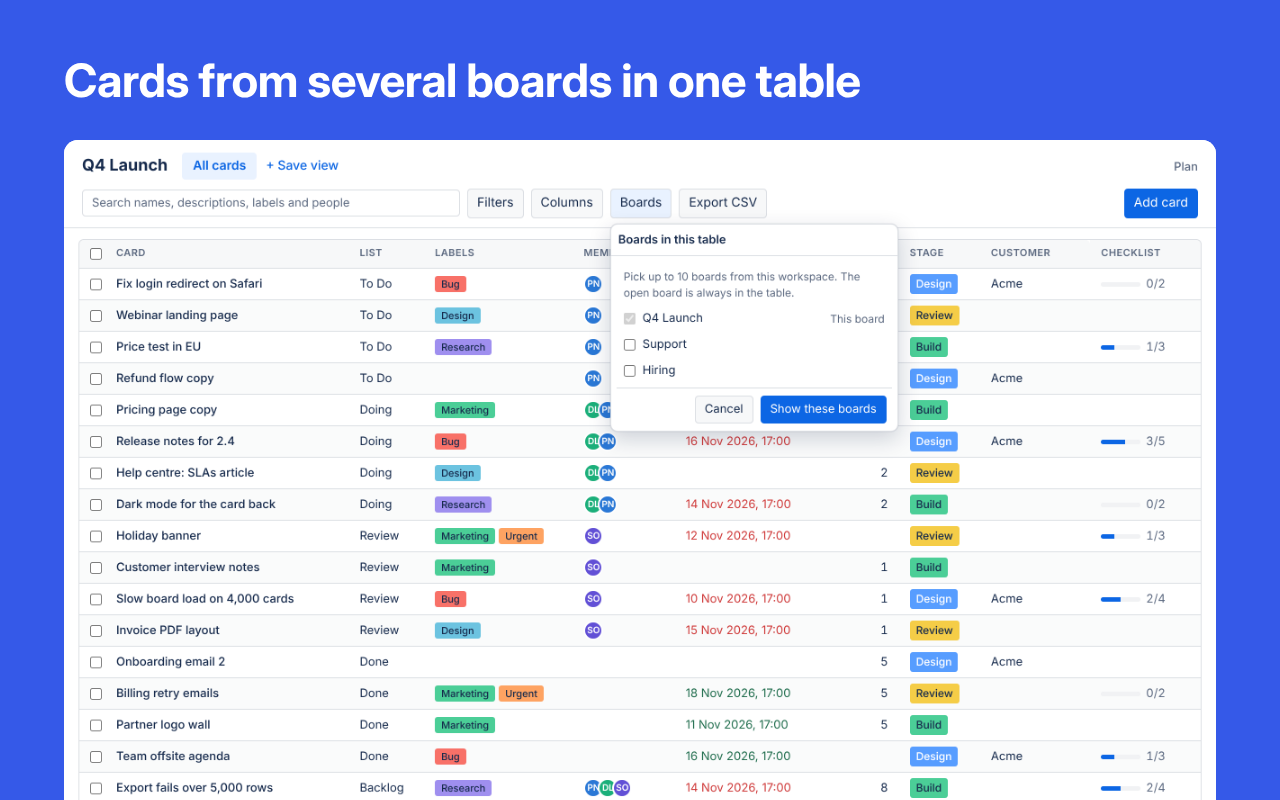
Several boards in one table
Add up to 10 boards from your workspace. Matching lists, labels and fields share a column.
Sort, filter and save views
Sort by several columns, filter by list, label, member or due date, and export what you see to CSV.
Try it free for 7 days
Table View and every other Boardwell Power-Up work on every board in your workspace for 7 days from the first time you use one. No card needed.
More Power-Ups from Boardwell
Add your first Boardwell Power-Up
Adding one to a board takes about a minute.
Try it free for 7 days